WhatsApp is one of the most widely used messaging apps in the world. Every day, millions use it for instant messaging and social media communication. If you send messages on WhatsApp, you have probably noticed small check marks appearing next to your text. But what do these ticks really mean? Especially the two check marks, which can be confusing. Are they delivered, read, or ignored?
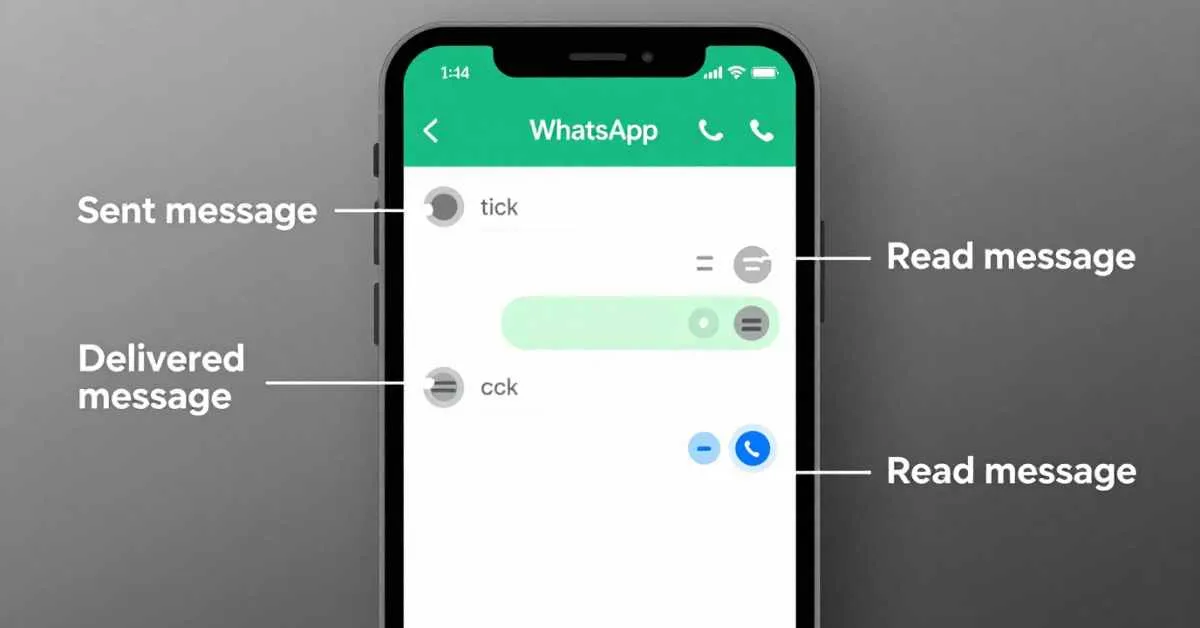
Understanding WhatsApp message status is essential for clear communication and avoiding misunderstandings. A single grey check mark means your sent message left your device. Two grey check marks show your message has been delivered. Two blue check marks indicate your message has been read.
However, there are many reasons why two check marks may remain grey. It could be due to privacy settings, network connectivity, or the recipient’s online status. In this guide, we will show you what WhatsApp ticks mean, how read receipts work, how messages are delivered, and tips for using WhatsApp the right way.
WhatsApp Message Status Explained
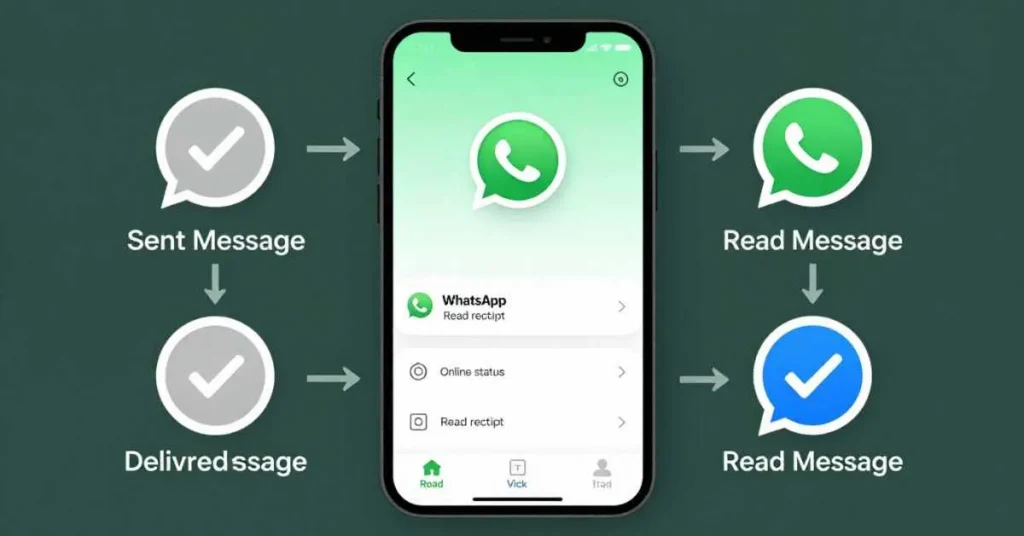
WhatsApp uses check marks to show the status of your sent messages. These symbols make chat notifications clear and help track read vs unread messages.
- Single Grey Check Mark ✅
A single grey tick shows your message is sent but not yet delivered to the recipient. This can happen if the recipient is offline, has network connectivity issues, or WhatsApp is closed on their device. - Double Grey Check Marks ✅✅
Also called a double tick, this means your WhatsApp delivered message reached the recipient’s device. It doesn’t mean it has been read yet. - Double Blue Check Marks ✅✅ (Blue ticks)
Blue ticks indicate the message has been read. They only appear if the recipient has read receipts turned on. Grey ticks may remain if privacy settings are enabled, the chat hasn’t been opened, or the recipient is using WhatsApp Web.
Knowing what the ticks mean helps you use WhatsApp the right way and avoid misunderstanding people.
Difference Between 2 Grey Ticks and 2 Blue Ticks
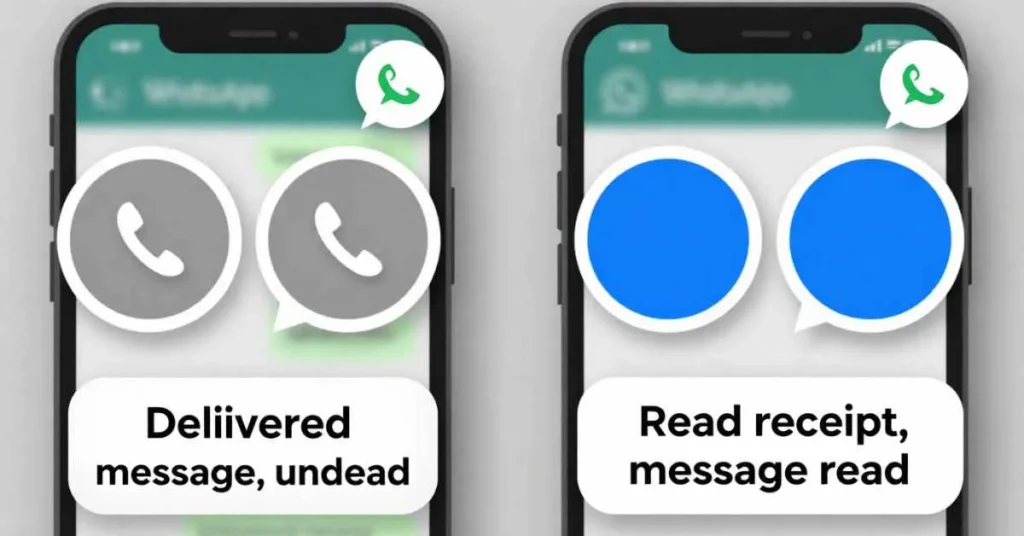
Many WhatsApp users confuse two grey ticks with two blue ticks. Here’s the difference:
- Two Grey Ticks ✅✅
These confirm your message is delivered but unread. Grey ticks only guarantee delivery to the recipient’s device. - Two Blue Ticks ✅✅
Blue ticks indicate your message has been read. This feature relies on read receipts and can be affected by privacy settings.
Key Points:
- Grey ticks = delivered but unread.
- Blue ticks = delivered and read.
- Grey ticks may remain if network issues occur or read receipts are disabled.
Using this information helps avoid misunderstandings in both one-on-one chats and group messages.
Why 2 Check Marks Might Not Turn Blue
Sometimes, your two check marks stay grey. Common reasons include:
- Read Receipts Are Turned Off – The recipient may have disabled blue check marks.
- Recipient Hasn’t Opened the Chat – Grey ticks only confirm delivery, not attention.
- Network or Connectivity Issues – Poor internet can delay tick updates.
- WhatsApp Web or Multiple Devices – Blue ticks may appear delayed if messages are read elsewhere.
- Blocked or Deleted Accounts – Messages to blocked contacts never show two ticks.
Always remember: grey ticks simply indicate delivery, not neglect.
Understanding Check Marks in Group Chats
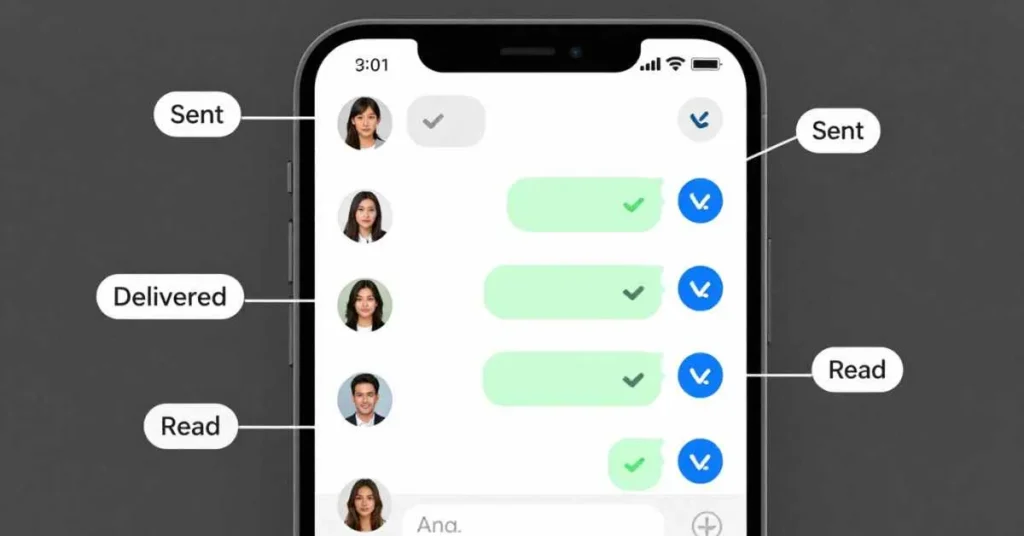
Check marks work differently in WhatsApp group chats:
- Single Grey Tick ✅ – Sent but not delivered to all participants.
- Double Grey Ticks ✅✅ – Delivered to all participants, may remain unread.
- Double Blue Ticks ✅✅ (Blue ticks) – Only appear when all participants read the message.
Using Message Info in groups shows who received and read your messages, helping you track read vs unread messages accurately.
How to Check Message Info on WhatsApp
WhatsApp’s Message Info gives exact delivery and read times:
- Open the chat and press and hold the message.
- Tap Info (i).
- View:
- Delivered to: Time each participant received the message.
- Read by: Time each participant read the message (if read receipts are on).
This feature works in one-on-one chats and groups, providing clarity on message status icons.
Common Misconceptions About WhatsApp Ticks
- Two grey ticks ≠ ignoring – They just confirm delivery.
- Blue ticks don’t appear immediately – They depend on read receipts.
- Single tick ≠ failure – Could be network issues.
- Group grey ticks ≠ ignored – Blue ticks appear only when all read.
Correct understanding avoids digital miscommunication.
WhatsApp Privacy Settings Affecting Check Marks
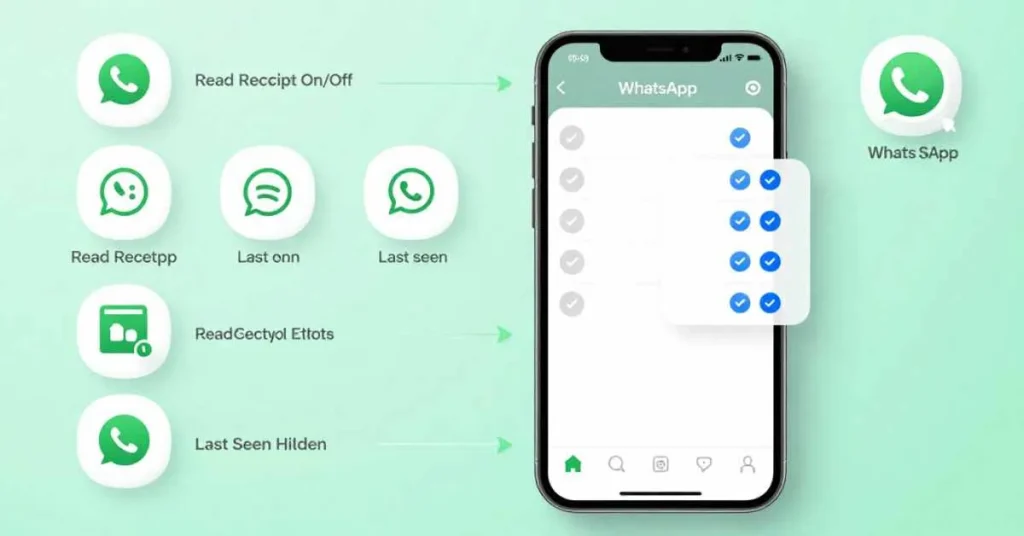
- Read Receipts – Controls blue check marks visibility.
- Last Seen & Online Status – Helps infer if someone is active.
- Group Privacy – Blue ticks appear only when all group members read messages.
- Profile & Status Privacy – Indirectly affects transparency of message status.
Properly using privacy settings helps balance communication and privacy.
Troubleshooting When Messages Don’t Show 2 Ticks
Reasons messages stay at one grey tick:
- Recipient offline – Phone off or disconnected.
- Network issues – Check internet connection.
- App problems – Update WhatsApp for smooth delivery.
- Blocked or deleted accounts – Messages remain undelivered.
Check Message Info to confirm actual message delivery and read status.
FAQs About WhatsApp Ticks
- What does 1 tick mean?
Sent but not delivered. - What does 2 grey ticks mean? –
Delivered but unread. - Can someone hide blue ticks? –
Yes, via read receipts. - Why do messages stay at 1 tick? –
Offline, blocked, or network issues. - How do ticks work in groups? –
Blue ticks appear when all participants read.
Tips for Proper WhatsApp Messaging Etiquette
- Don’t overanalyze ticks. Grey ticks = delivered, not ignored.
- Respect privacy settings and last seen.
- Use Message Info for clarity.
- Be patient in group chats.
- Avoid sending multiple messages unnecessarily.
- Consider calling if urgent.
Conclusion
Understanding WhatsApp ticks is key to effective messaging. Grey ticks ✅ indicate delivery, blue ticks ✅✅ indicate read messages, and single ticks ✅ indicate sent but not delivered. In group chats, blue ticks appear only when all participants read your message. Using Message Info, following privacy settings. And being polite on WhatsApp helps you send clear and easy messages without stress. Two grey ticks show that the recipient has received your message and has not read it yet.
Click For Read About: What Does ASL Mean in Texting? Full Guide for 2026

Hi, I’m Geoffrey Chaucer. I explore the stories and meanings behind words, turning ideas into clear, insightful writing. Through every article I craft, I aim to spark curiosity, share knowledge, and help readers uncover practical, meaningful truths in everyday life.